
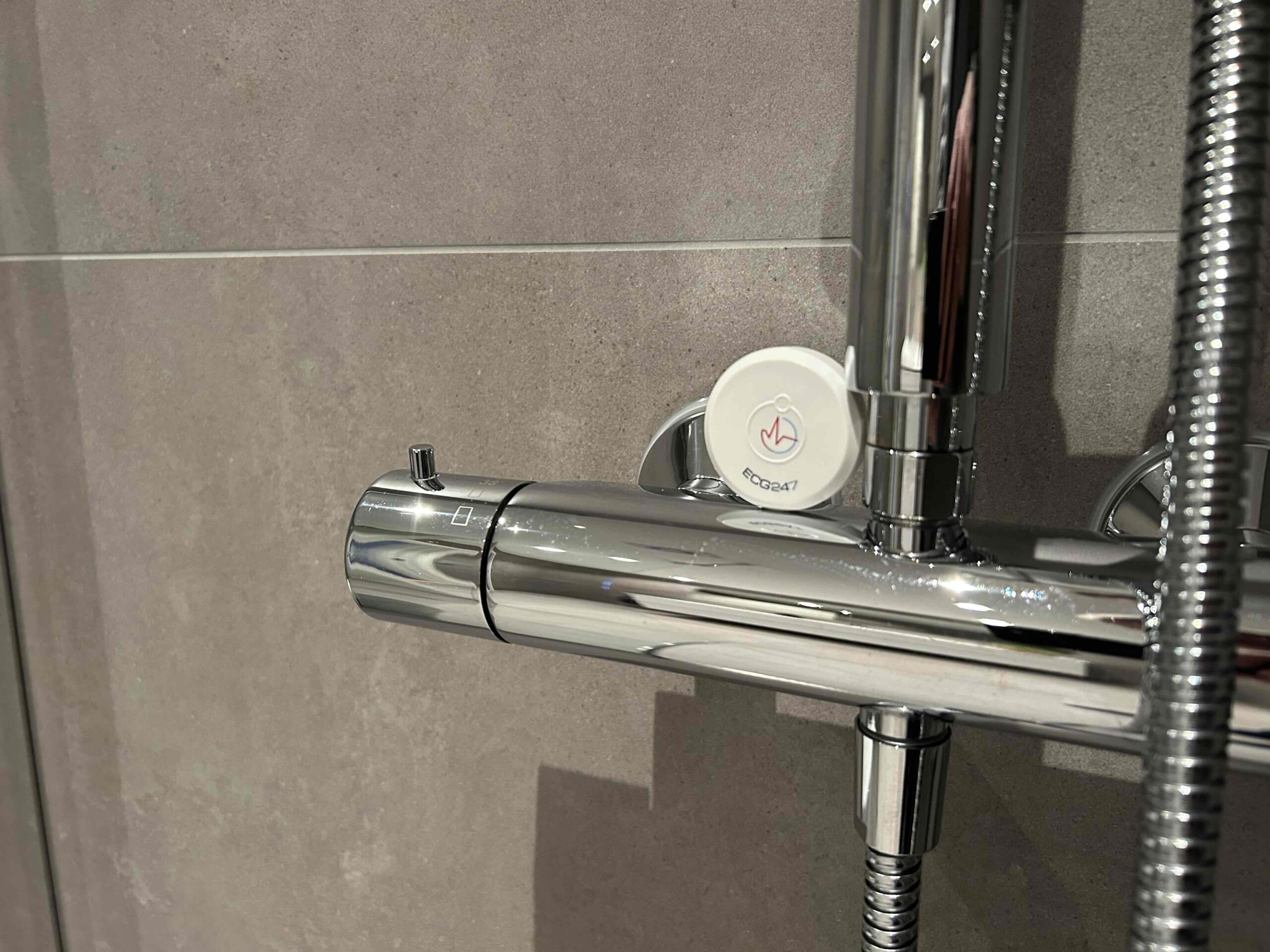
We are constantly working to make heart monitoring as seamless as possible for our users. We have now rolled out a new update to the sensor software that makes the system even more robust when exposed to moisture.
Many of our users wear the ECG247 sensor for several consecutive days, making questions about water and hygiene very common. Here is what you need to know about the new update and how to best care for your sensor.
Automatic Recovery After Moisture Exposure
The most significant feature of this software update is how the sensor handles water. If moisture enters the sensor itself, it will temporarily pause and lose contact with the app.
Previously, this required a manual reconnection. However, with this new update, the sensor will now automatically reconnect to the ECG247 app on your phone as soon as it is dry. This ensures that your monitoring continues without any manual intervention if the sensor happens to get wet.
Can I Shower With the Sensor?
Yes, you can safely take a shower with the ECG247 sensor on your chest. However, we recommend being mindful of the following:
-
Water-protected, not waterproof: The sensor is designed to withstand splashes of water (water-protected), but it is not waterproof.
-
Avoid bathing: You should not go swimming or take a bath with the sensor. In general, avoid excessive water exposure to ensure optimal lifespan and functionality.
-
Needs to dry: If water does get inside the sensor, it will need some time to dry out before it functions normally again.
Temporary Noise in ECG Signals
Please be aware that if the adhesive patch is wet, the ECG signals may appear smaller or be more affected by noise. This happens because moisture in the patch interferes with the electrical contact with your skin.
There is no need for concern if you notice slightly unstable signals immediately after a shower; as soon as the patch and sensor dry, the signal quality will automatically return to normal.
How to get the update: The sensor software is usually updated automatically via the ECG247 app on your smartphone. Please ensure you have the latest version of the app installed from the App Store or Google Play.
Do you have questions about using the sensor? Visit our FAQ or contact our customer support team.